

Latest Version
AI Chat Fusion
Communication
Windows
Free
9p16zmfhkmcg
Report a Problem
More About Video Meetings for Zoom - Teams and GMeet
Streamline Your Communication with a Unified Workspace
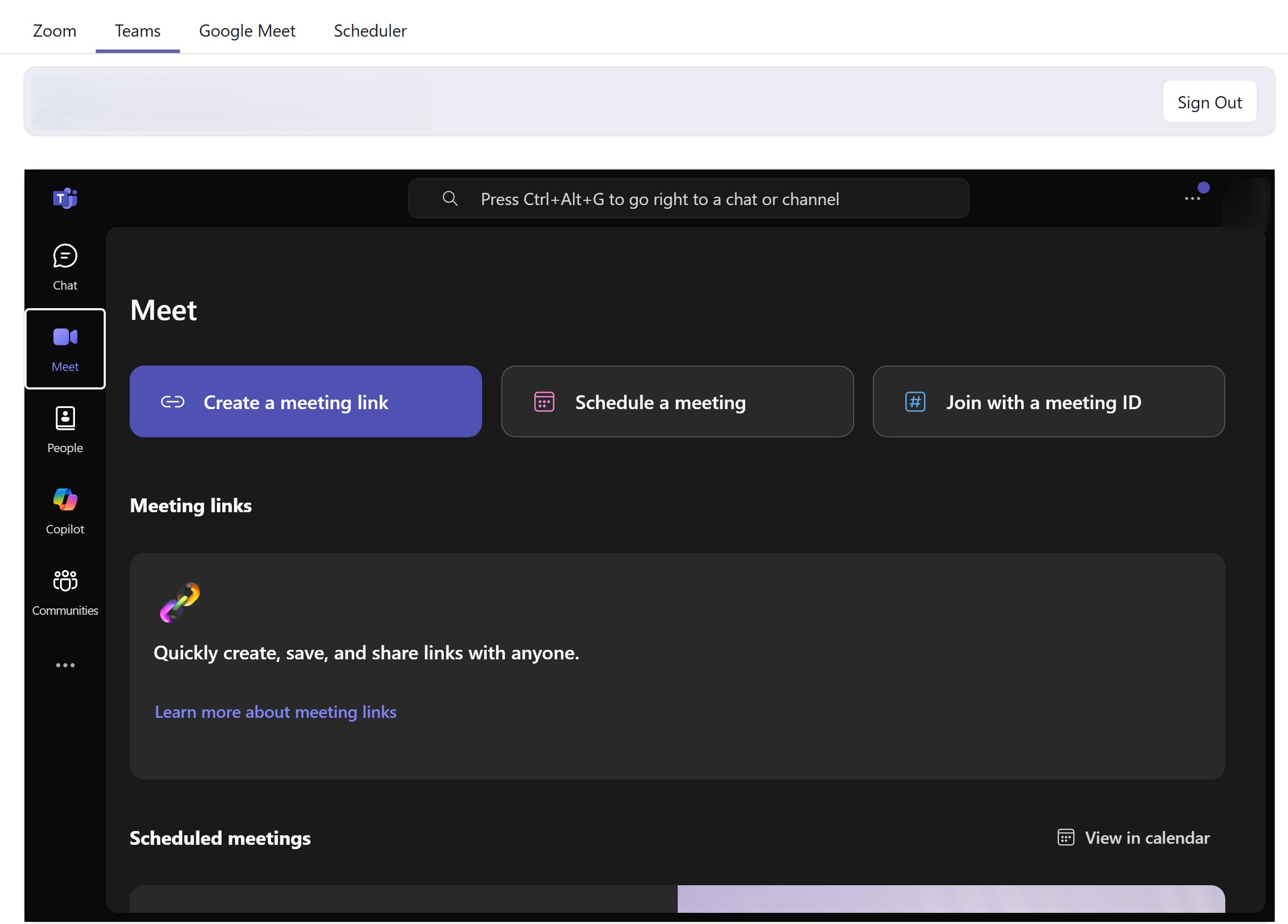
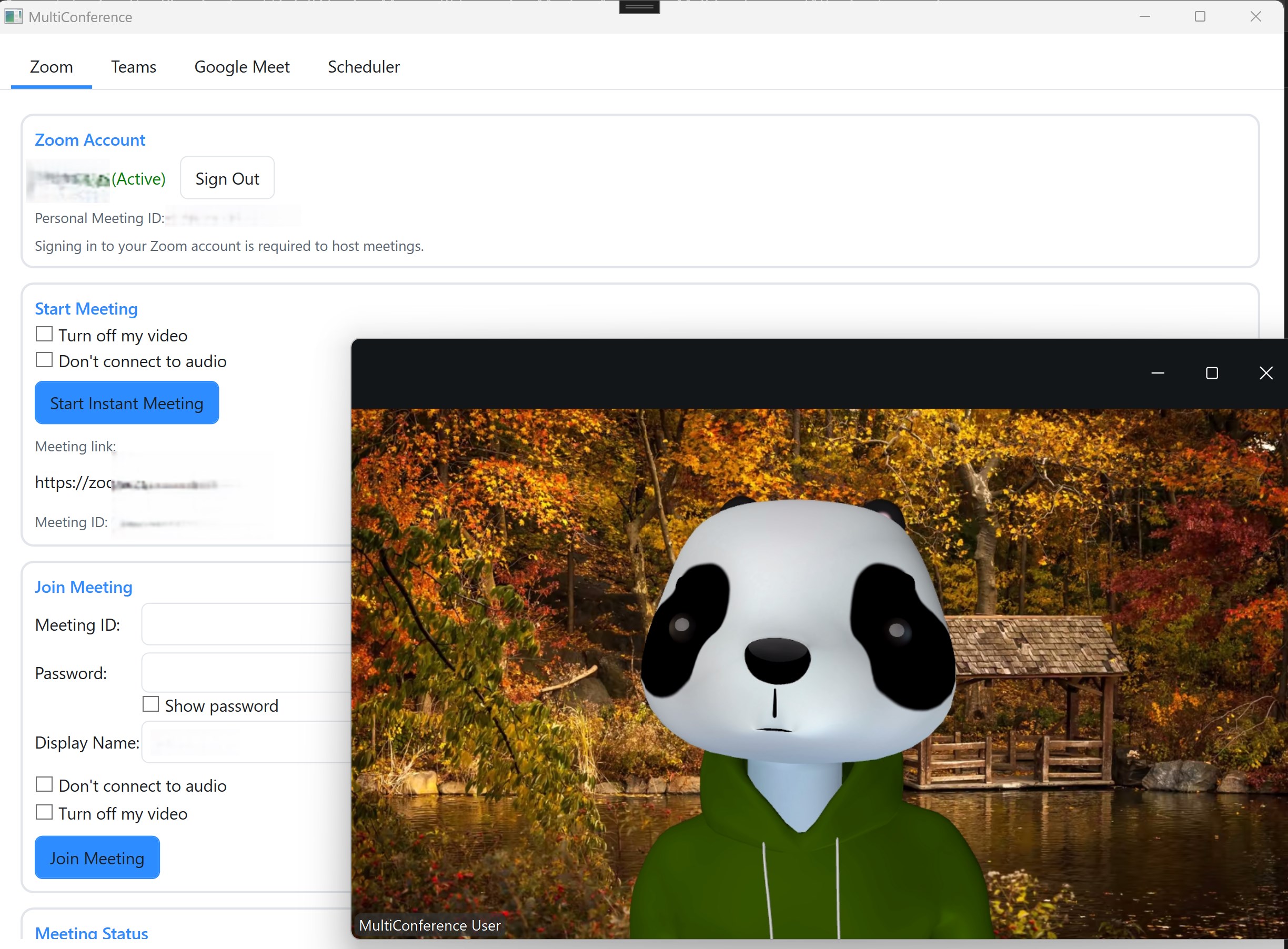
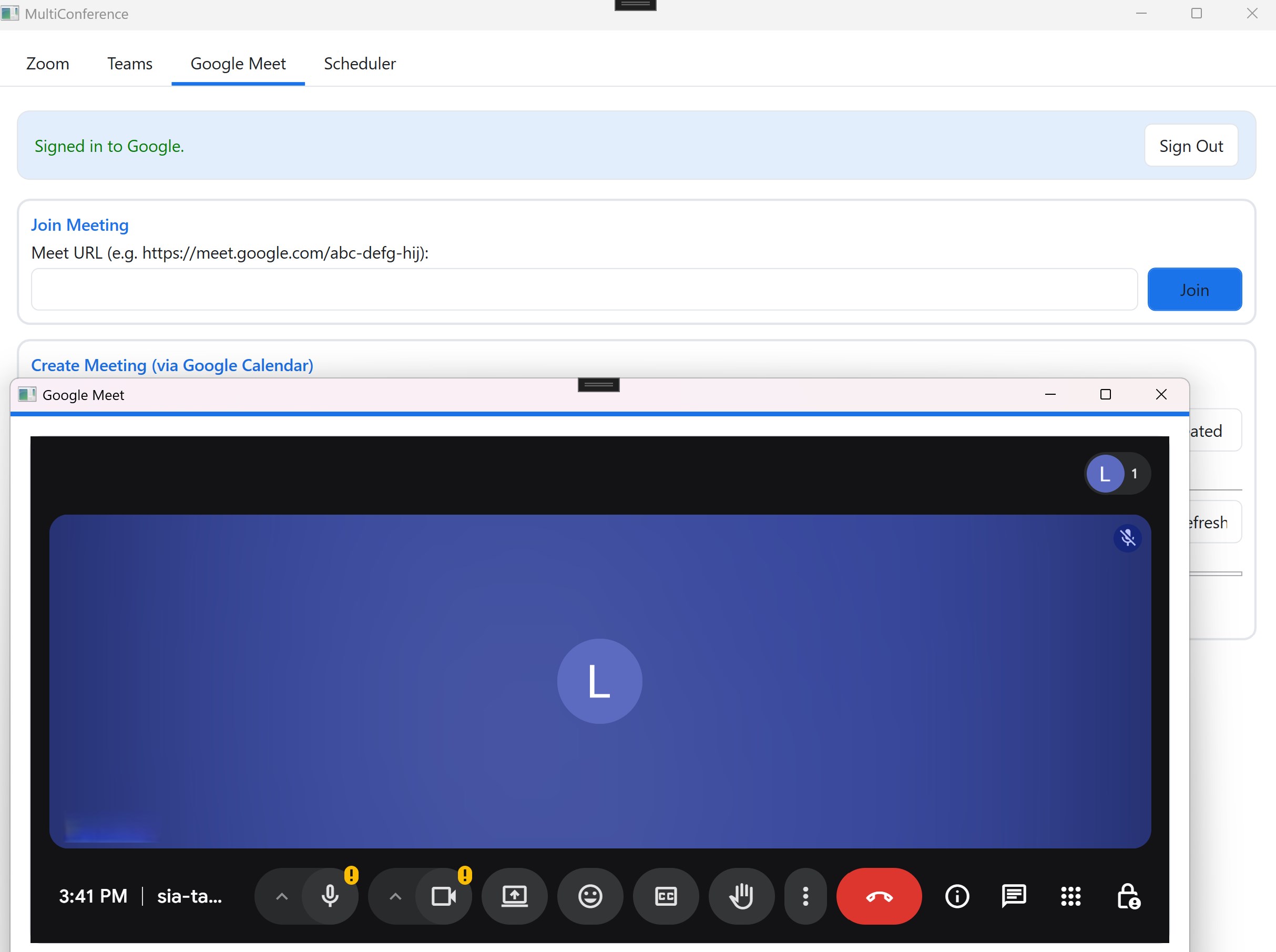
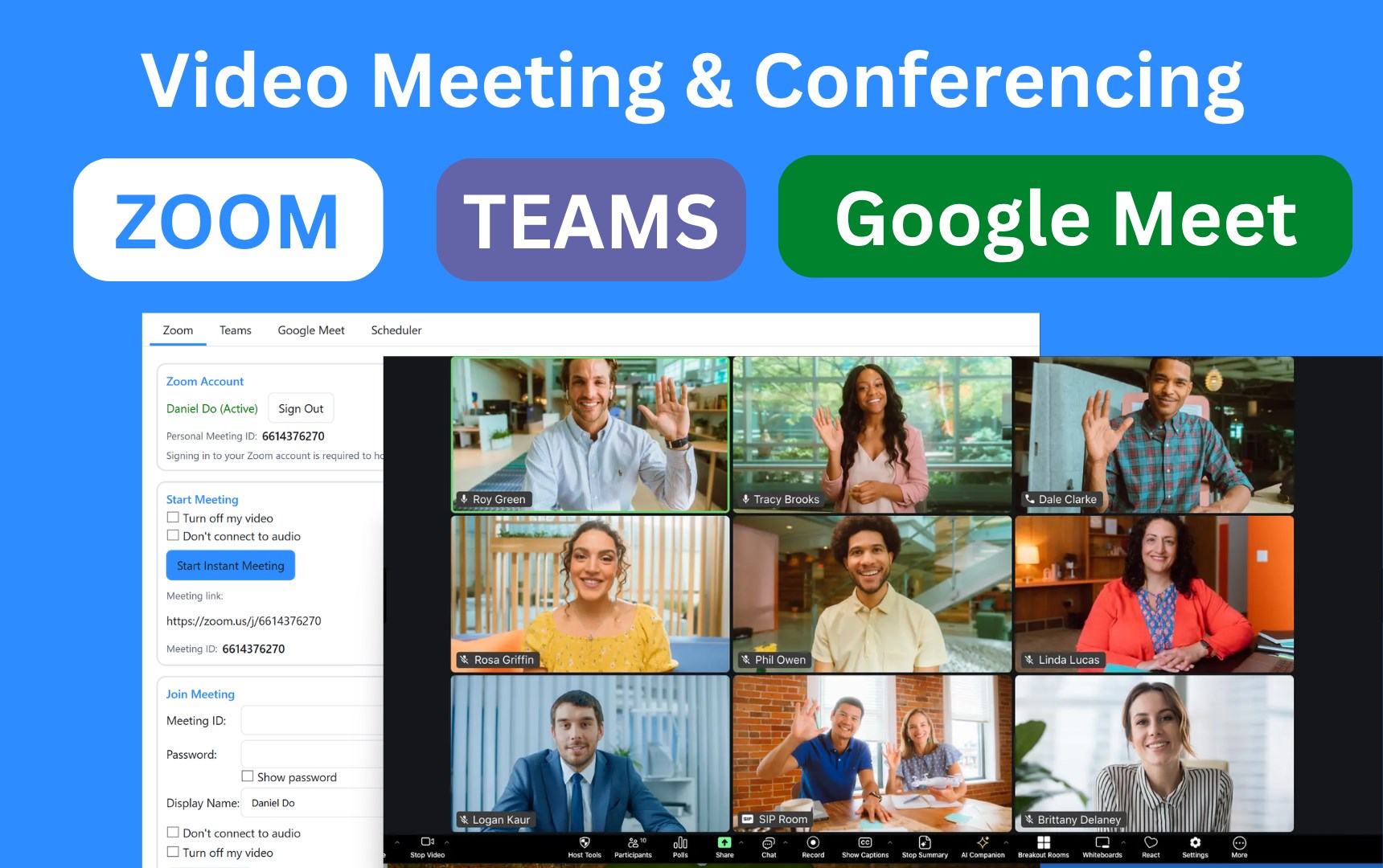
Managing multiple video conferencing platforms can quickly become a logistical headache for busy professionals. The Video Meetings for Zoom - Teams and GMeet app for Windows solves this modern workplace dilemma by consolidating your virtual meeting spaces into a single, intuitive desktop application. Developed by AI Chat Fusion, this communication tool aims to eliminate the frustration of juggling separate software installations and endless browser tabs.
Key Features of Video Meetings for Zoom - Teams and GMeet
This desktop hub is built to simplify how you connect with colleagues, clients, and partners. Here are the standout capabilities that make it a valuable addition to your workflow:
- Multi-Platform Integration: Access Zoom, Microsoft Teams, and Google Meet from one centralized dashboard without constantly switching applications.
- Smart Scheduler & Auto-Launch: Set your upcoming calls to open automatically at scheduled times, ensuring you never miss an important discussion.
- One-Click Join: Jump directly into scheduled events or spontaneous calls using direct links, meeting IDs, or calendar invites.
- Simplified Desktop Interface: Enjoy a clean, distraction-free environment designed specifically to speed up your daily communication tasks.
Who Benefits Most from This Unified Launcher?
The Video Meetings for Zoom - Teams and GMeet utility is highly beneficial for remote workers who coordinate with different clients using varied corporate systems. It is also perfect for cross-functional teams that utilize Zoom for webinars, Microsoft Teams for internal operations, and Google Meet for quick external check-ins. Instead of losing time searching for the right application or browser window, users can manage their entire daily meeting schedule from one reliable window.
Important Compatibility Notes
Before integrating this tool into your daily routine, please note that it is designed specifically for standard Windows environments and cannot run on Windows S mode. Users currently in S mode will need to switch to standard Windows to install and run the application. Additionally, because this software acts as a launcher, you must maintain active accounts on Zoom, Microsoft Teams, or Google Meet to access their respective services.
Our Editorial Verdict
For Windows users looking to declutter their desktop and simplify their virtual collaboration, this application offers an elegant and practical solution. It successfully removes the friction of jumping between competing video tools. To find out more or to add this launcher to your productivity toolkit, visit the official Microsoft Store page today.
Rate the App
User Reviews



Popular Apps










Editor's Choice