

Latest Version
Communication
Windows
Free
9nblggh5l9xt
Report a Problem
More About Instagram
A Visual-First Approach to Modern Connection
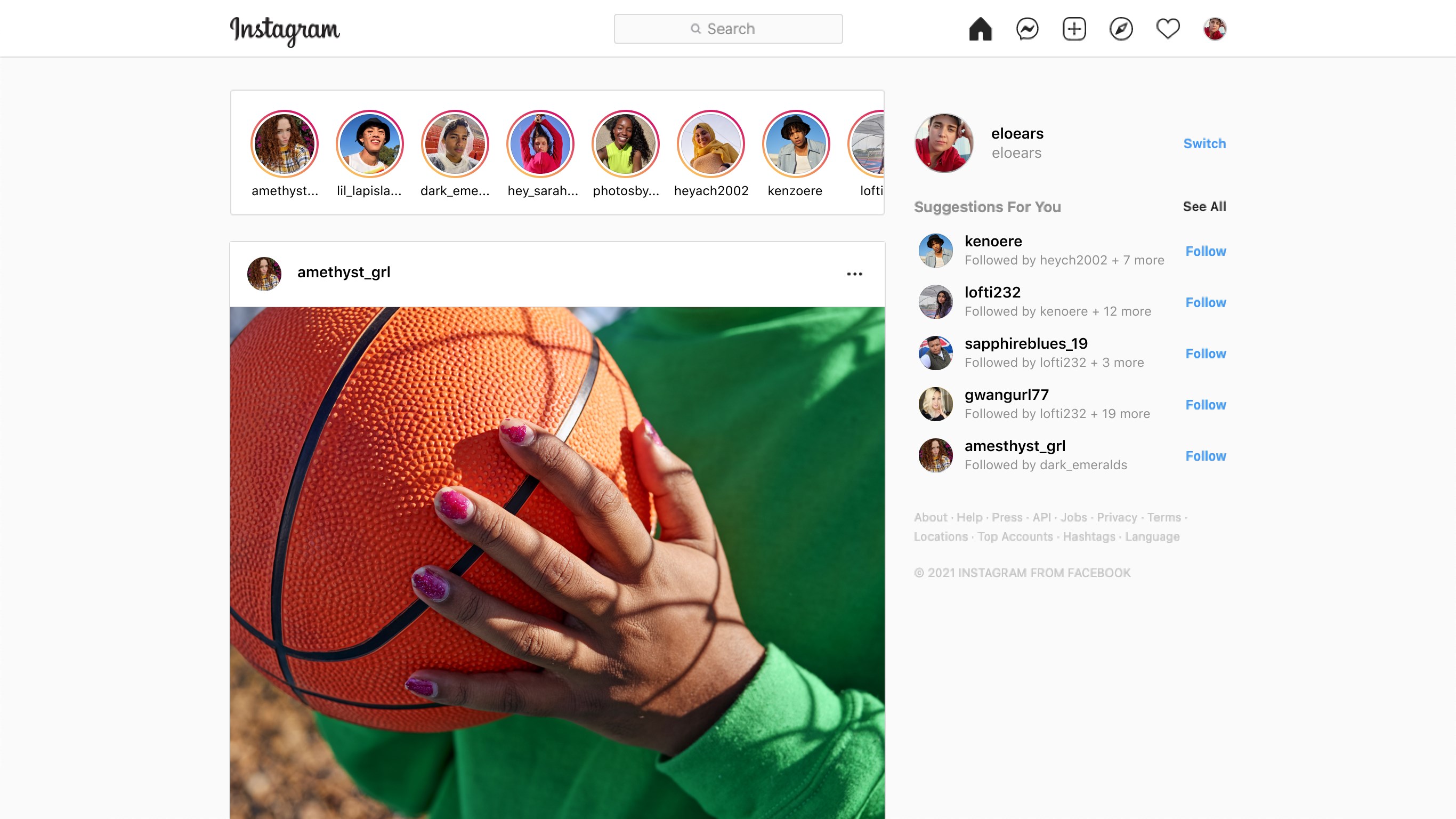
The Instagram social network app has fundamentally transformed how we document our lives and connect with global communities. Unlike text-heavy platforms, this application prioritizes visual storytelling, allowing users to share their experiences through high-quality photos and engaging videos. Originally built for mobile devices, the Windows version brings this vibrant ecosystem directly to your desktop, offering a seamless way to stay updated with friends, family, and your favorite creators without needing to reach for your phone.
Key Features of the Windows Experience
Using the Instagram social network app on a larger screen provides a distinct viewing experience. The interface is optimized to make browsing and interacting highly intuitive:
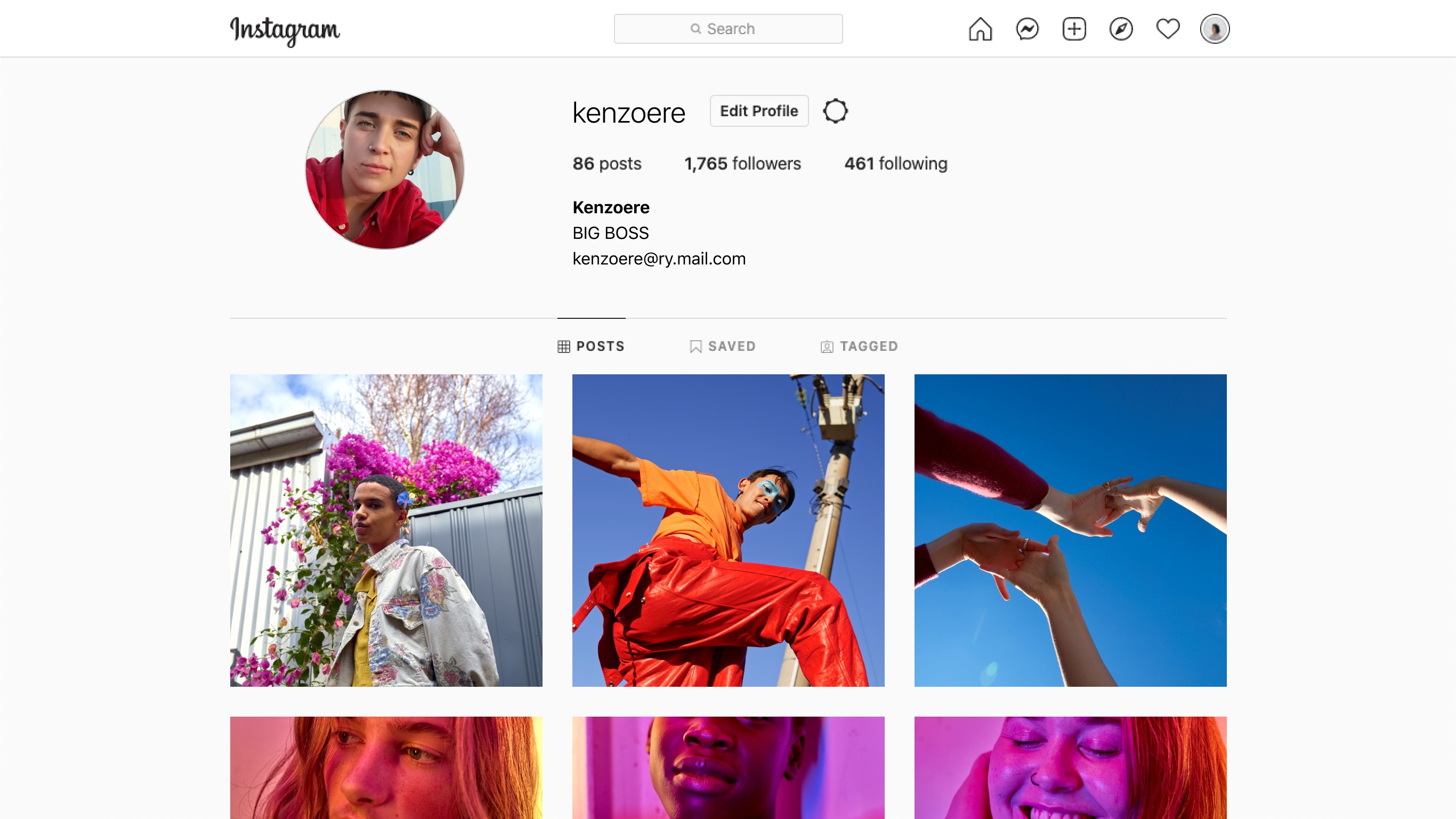
- Profile and Feed Customization: Easily publish photos and videos directly to your profile grid to curate your personal brand or digital memory book.
- Direct Messaging via Messenger: Stay in touch seamlessly. The integrated messaging system lets you share posts, exchange media, and chat with your connections in real-time.
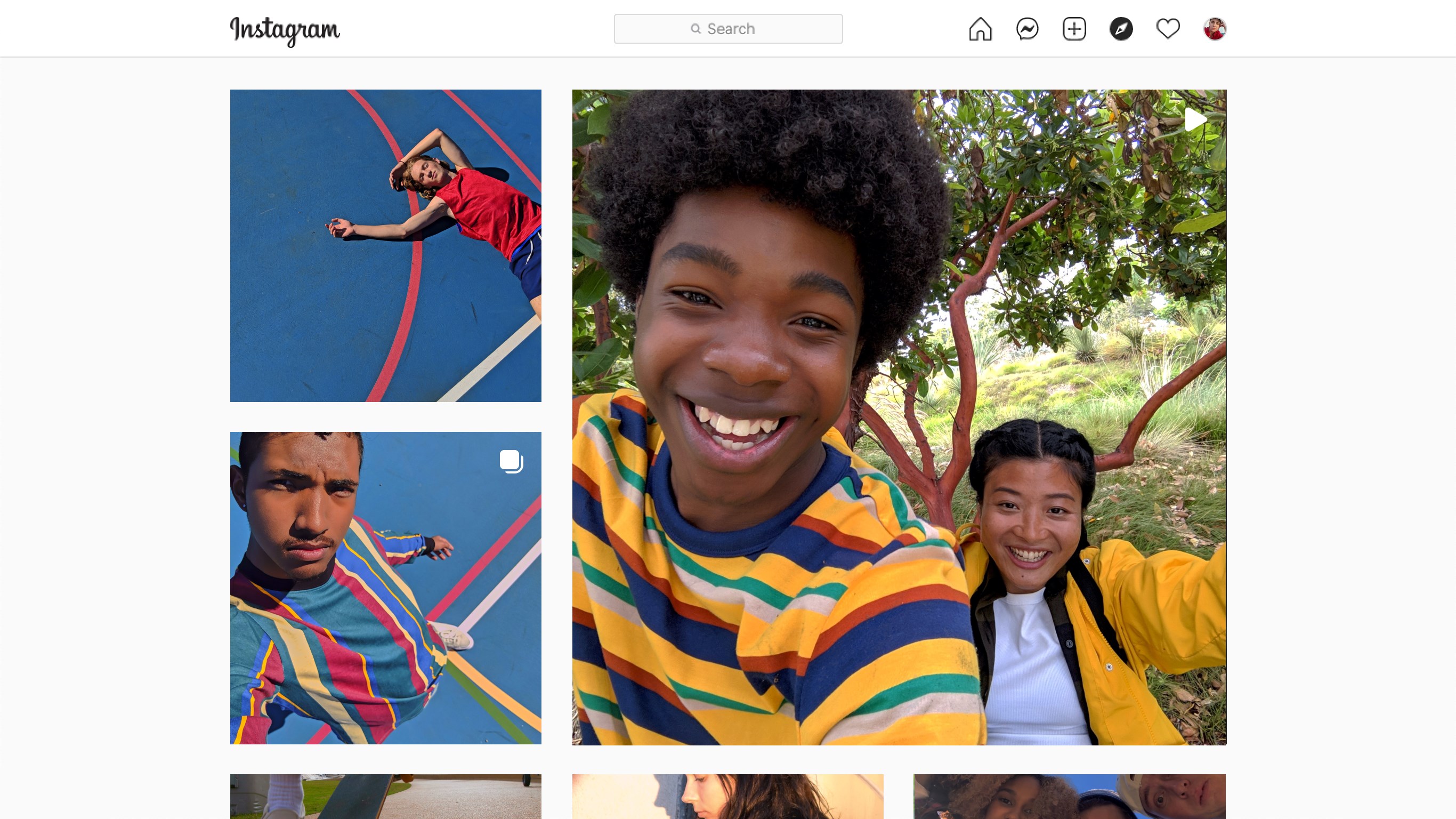
- Immersive Explore Tab: Discover fresh content tailored to your tastes. The Explore algorithm surfaces inspiring visual media and introduces you to new creators worldwide.
- Video Hub: Watch longer-form content and engaging clips from your favorite accounts directly within the desktop interface.
Who Is This Desktop Application For?
Whether you are a creative professional looking to monitor your feed on a secondary monitor, or a casual user who prefers the comfort of a physical keyboard for messaging, the Instagram social network app offers a robust solution. It bridges the gap between mobile convenience and desktop productivity, ensuring you never miss an update or a direct message while working on your PC.
Our Editorial Verdict
This platform remains an essential tool for anyone looking to express themselves creatively and maintain social connections. While some regional feature variations may apply, the core experience is polished, fast, and highly engaging. If you want to explore the community or update your own profile, head over to the official Microsoft Store to view the application details and get started.
Rate the App
User Reviews




Popular Apps










Editor's Choice