

Latest Version
NCH Software
Design
Mac
Free
1163896708
Report a Problem
More About PhotoPad Image Editor
Transform Your Digital Photos Instantly
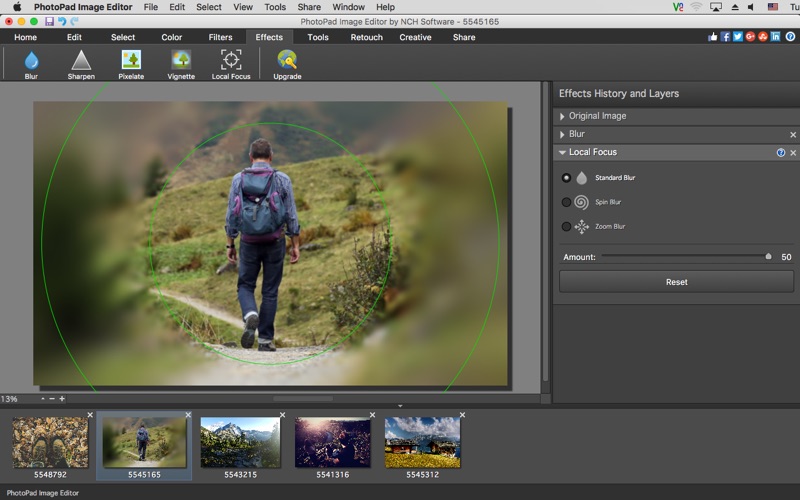
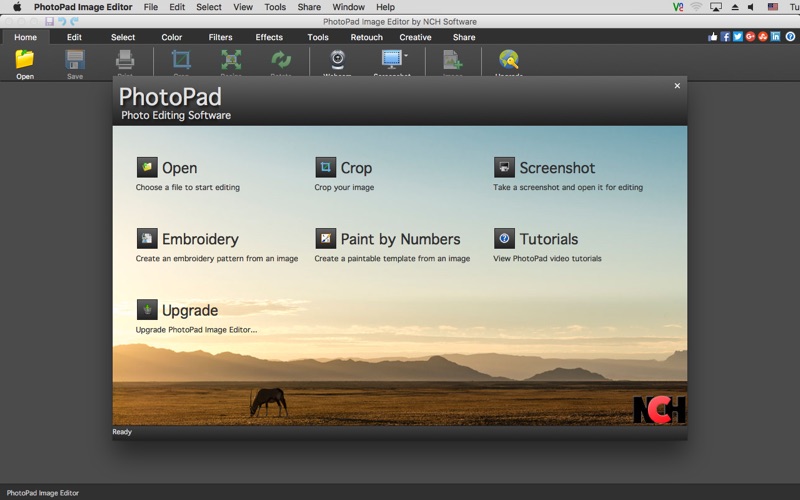
The PhotoPad Image Editor provides Mac users with a streamlined, highly efficient way to crop, adjust, and elevate their digital photography without the steep learning curve of complex design suites. Whether you need to quickly resize an image for social media or stitch together a breathtaking panorama, this application delivers essential tools in a clean, accessible interface designed specifically for macOS.
Key Features of PhotoPad Image Editor
NCH Software has packed this utility with a versatile array of features that cater to both quick edits and creative artistic projects:
- Fundamental Adjustments: Easily rotate, crop, flip, and resize your graphics to achieve the perfect framing.
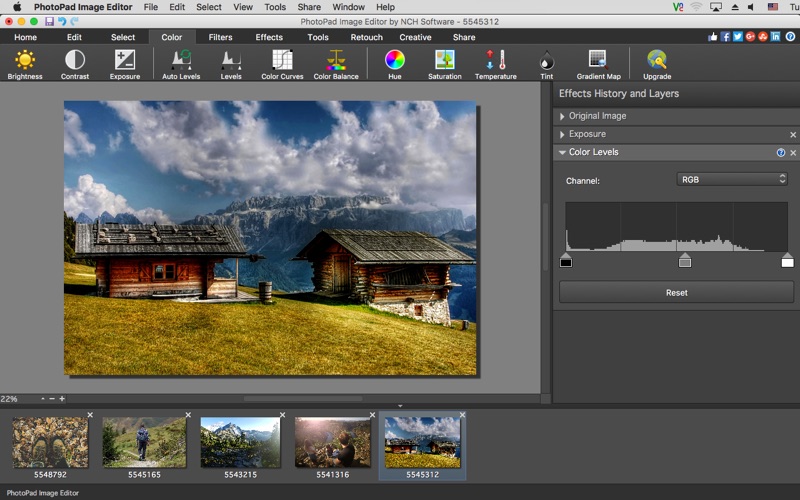
- Advanced Image Correction: Fine-tune exposure, brightness, color balance, and contrast to rescue underexposed shots or make colors pop.
- Creative Layouts and Collages: Arrange your favorite memories into a multitude of custom collage templates, mosaic designs, or even paint-by-numbers patterns.
- Panoramic Photo Stitching: Seamlessly combine multiple overlapping photos to build your own wide-angle panoramic images.
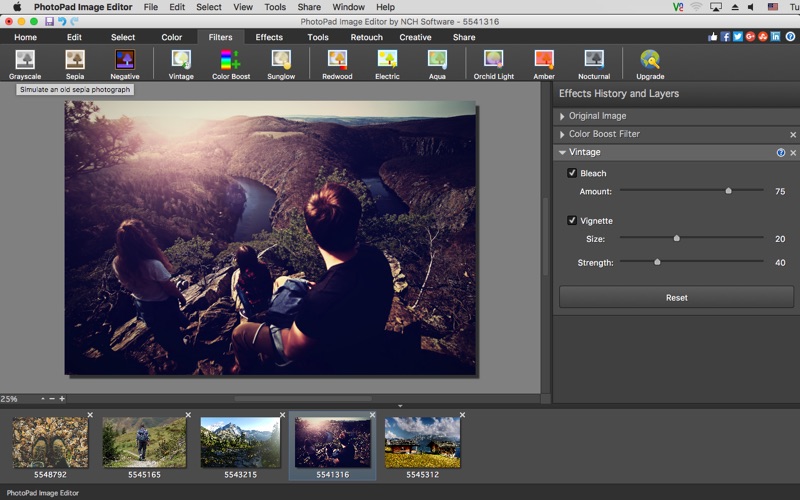
- Text and Decorative Overlays: Add captions, custom text, and unique filters like the classic fish-eye lens to personalize your work.
Who is This Mac Design Tool For?
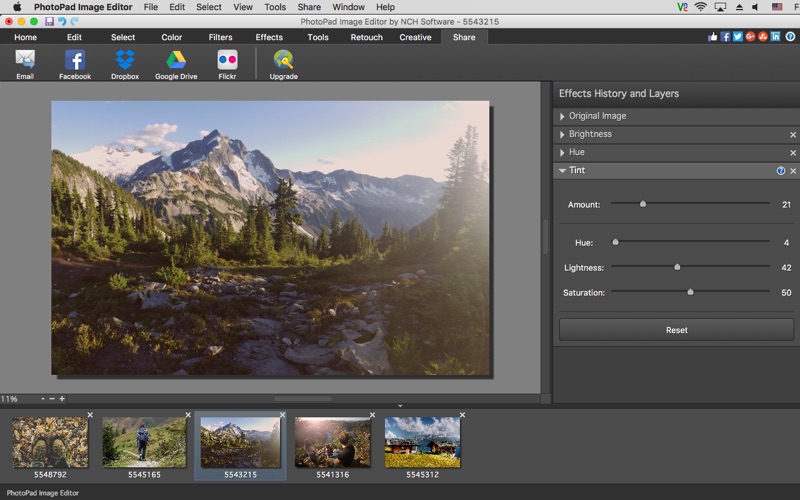
The PhotoPad Image Editor strikes an excellent balance for hobbyists, social media managers, and everyday Mac users who require professional-looking results without spending hours in training. Because it supports all popular image formats, you can import files from almost any camera or smartphone and begin editing immediately. Once your project is complete, the software facilitates straightforward sharing to platforms like Facebook and Flickr.
Should You Choose PhotoPad?
If you want an uncomplicated, responsive editor that handles everything from basic cropping to complex photo stitching on macOS, this application is a stellar choice. It bypasses the bloat of larger industry software while retaining the powerful tools necessary to make your pictures look their absolute best.
To experience these creative tools firsthand, head over to the official Mac App Store to explore the PhotoPad Image Editor and start transforming your digital gallery today.
Rate the App
User Reviews




Popular Apps










Editor's Choice