
Latest Version
The GIMP team
Design
Linux
Free
org.gimp.GIMP
Report a Problem
More About GNU Image Manipulation Program
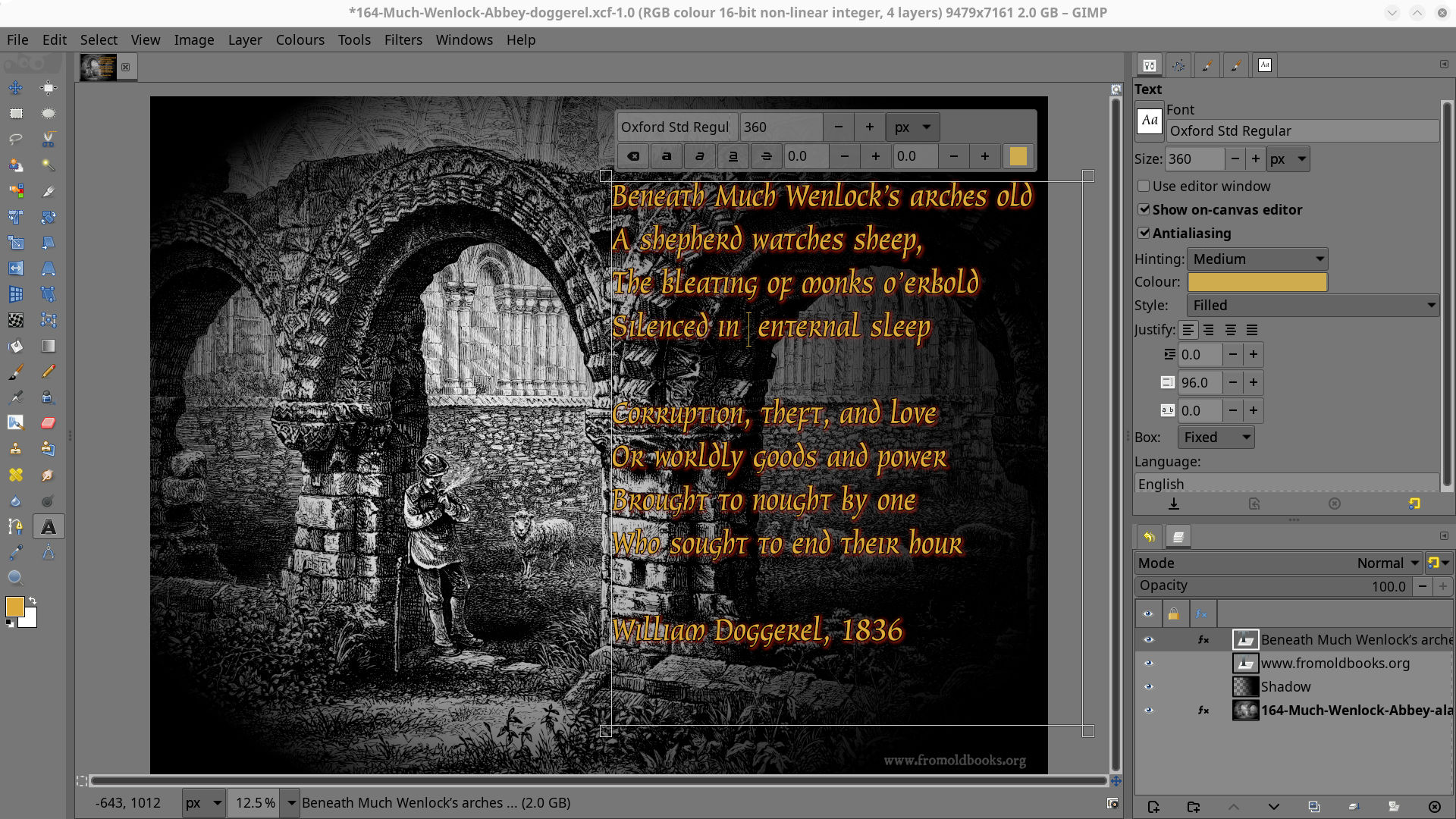
While many graphic designers feel locked into expensive proprietary software subscriptions, the GNU Image Manipulation Program photo editor offers a liberating, enterprise-grade alternative that costs absolutely nothing. Developed by The GIMP team, this sophisticated platform has evolved from a simple utility into a powerhouse for digital artists, photographers, and desktop publishers alike.
What is the GNU Image Manipulation Program Photo Editor?
At its core, the GNU Image Manipulation Program photo editor is a community-driven, open-source application designed for high-end image creation, retouching, and composition. Operating on Linux and other major desktop platforms, it serves as a highly versatile canvas for creative professionals who require deep control over their digital workspace without the burden of recurring licensing fees.
Key Capabilities and Creative Workflows
This application is far more than a basic painting utility. Its diverse toolset adapts seamlessly to various production environments:
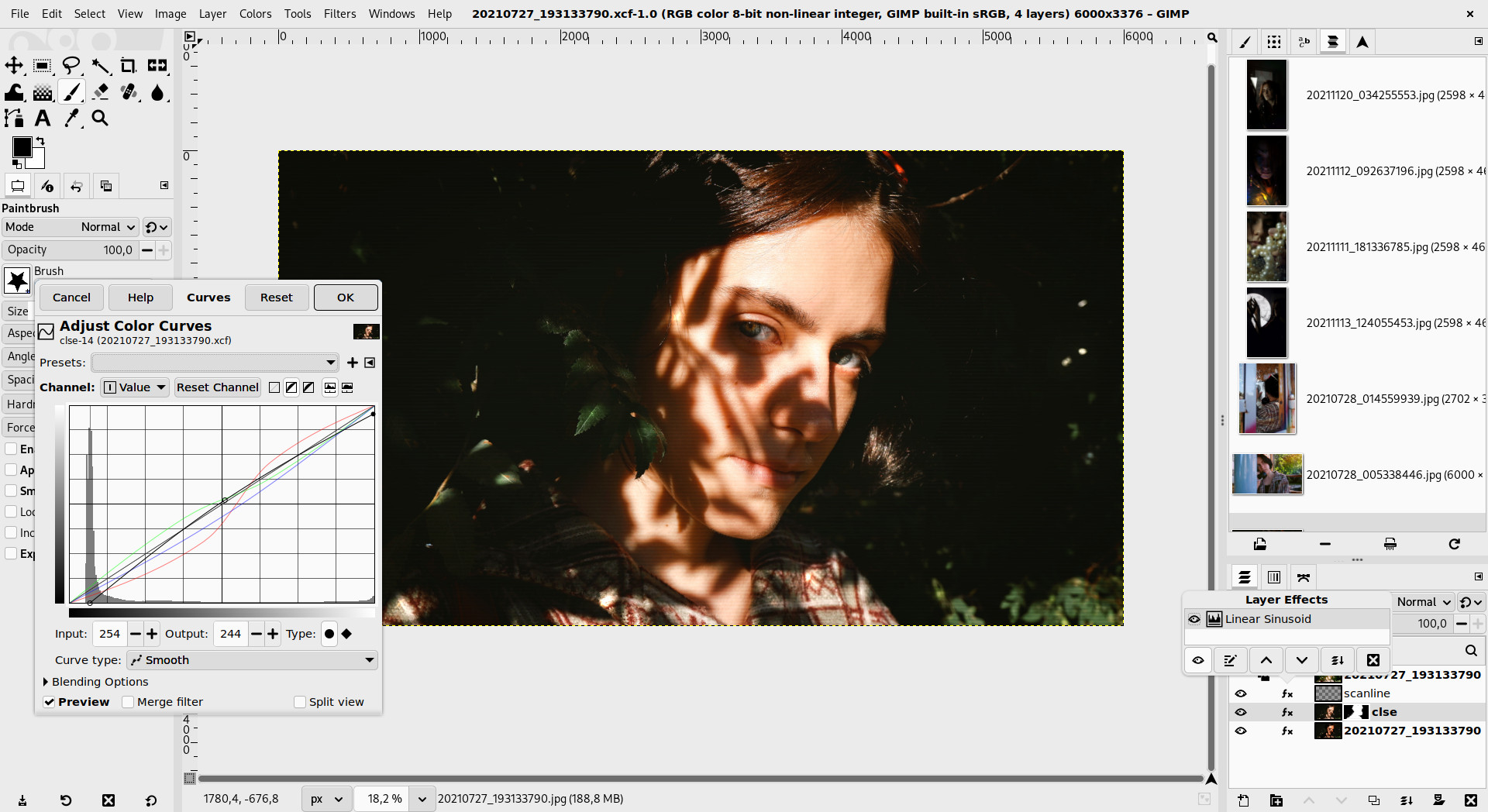
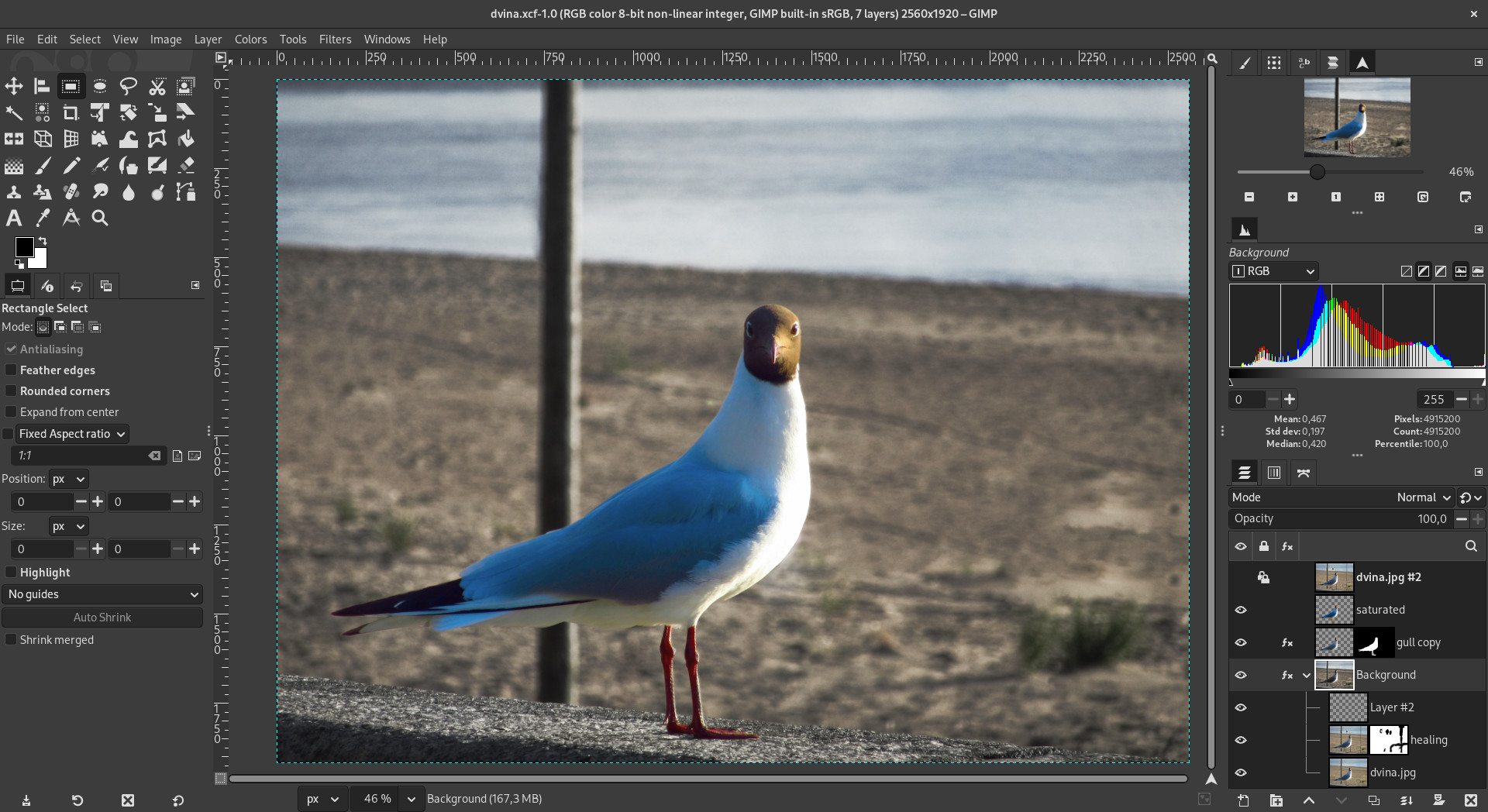
- Advanced Photo Retouching: Easily correct perspective distortion, eliminate unwanted details with powerful cloning tools, and refine color balances with expert-level precision.
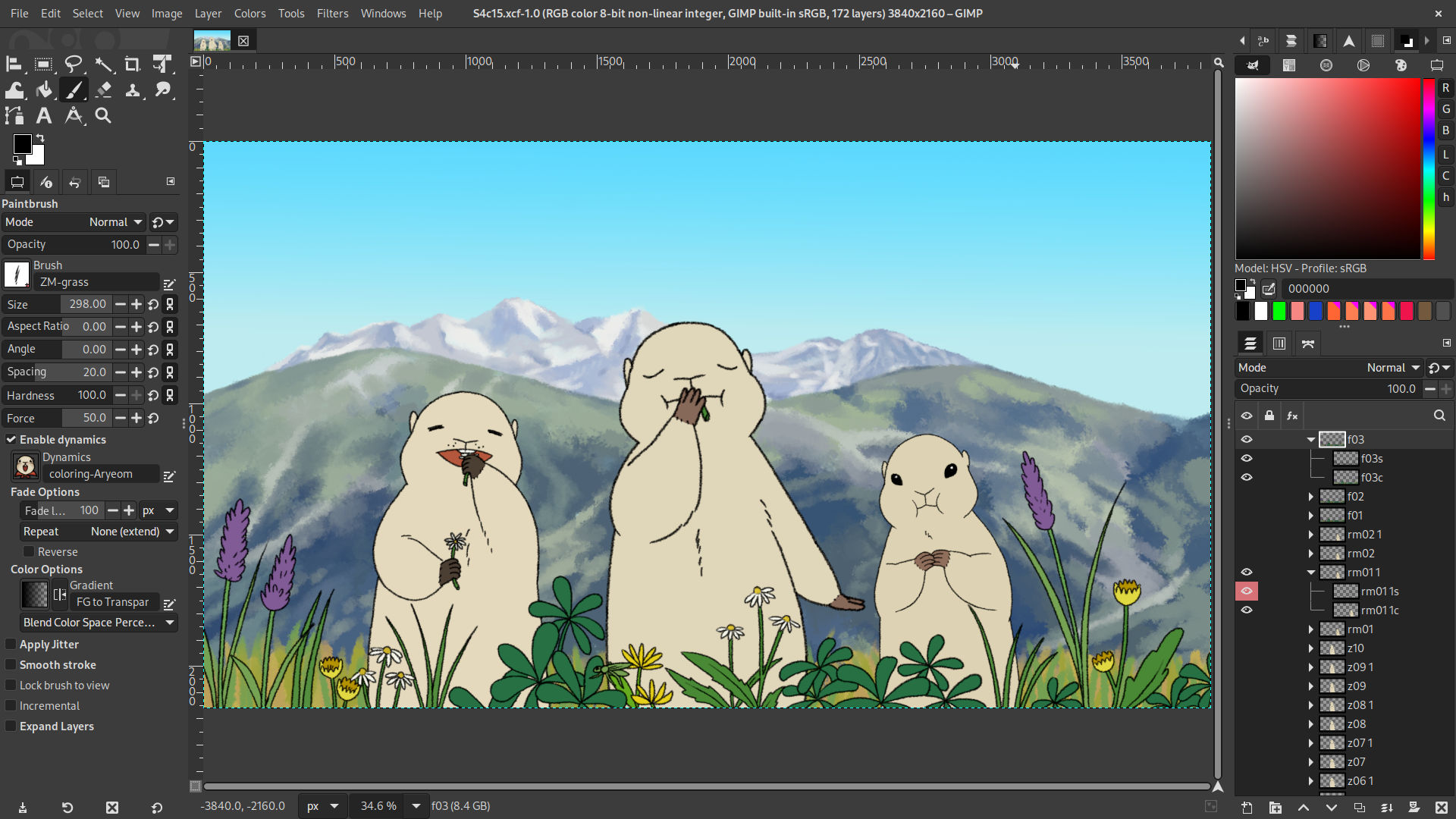
- Digital Composition and Painting: Access a rich array of customizable brushes, layers, and blending modes to transform blank canvases into complex digital artwork.
- Format Conversion and Batch Processing: Utilize the system as a mass-production image renderer or a rapid online batch processor to convert and optimize multiple files simultaneously.
An Extensible Architecture Tailored to Your Needs
One of the most compelling aspects of the GNU Image Manipulation Program photo editor is its modular design. The software is highly expandable and extensible, meaning its capabilities are not limited to the default installation. Users can integrate a vast library of community-created plug-ins and extensions to handle specialized tasks. Furthermore, an advanced scripting interface allows developers and power users to automate repetitive actions, turning complex multi-step editing pipelines into simple, single-click scripts.
Who is This Design Tool For?
Whether you are a Linux enthusiast looking for a native design environment, a budget-conscious freelance illustrator, or a production studio needing scalable rendering tools, this application delivers the necessary depth. Its steep learning curve is rewarded with unparalleled flexibility and customization, allowing you to configure the interface to match your exact creative workflow.
Discover More
The GNU Image Manipulation Program photo editor remains a triumph of collaborative software development. If you are ready to elevate your design capabilities with a truly customizable toolkit, we invite you to explore its features and view installation options on the official Flathub store page today.
Rate the App
User Reviews

Popular Apps










Editor's Choice