
Latest Version
IMPROVIZHN, OOO
Education
Mac
Free
1225121166
Report a Problem
More About Master of Typing: Tutor
An Intuitive Approach to Keyboard Mastery
While many keyboard training programs rely on repetitive, dry drills, the Master of Typing: Tutor touch typing software stands out by offering a highly structured, multi-sensory learning experience. Developed by IMPROVIZHN, OOO for the Mac platform, this educational application is designed to transition users from hunt-and-peck typing to fluid, ten-finger muscle memory. By focusing on progressive muscle memory rather than simple speed tests, it provides a practical path for beginners to master the keyboard layout systematically.
Key Features of the Master of Typing: Tutor Touch Typing Software
To help users transition into touch typing, the application integrates several features that keep practice sessions both engaging and educational:
- Structured Difficulty Levels: Progress through four distinct difficulty tiers, mastering specific keys and key combinations row by row, starting from the home row.
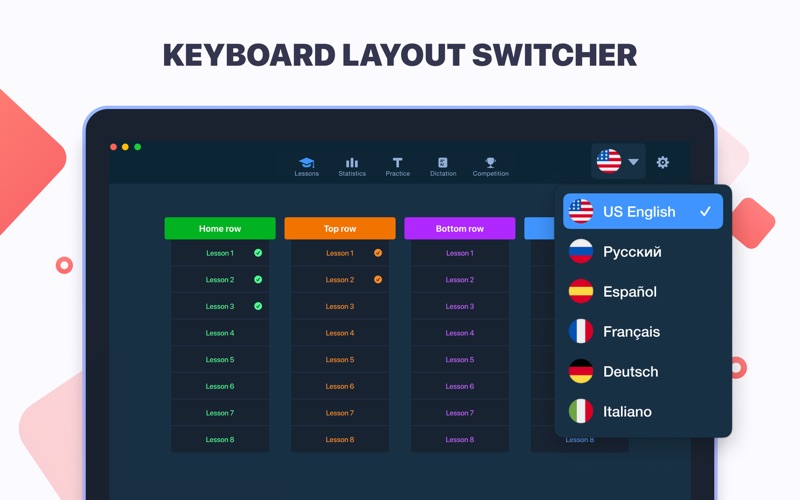
- Multi-Language Layout Support: Practice typing in six major languages—English, French, German, Spanish, Italian, and Russian—using their native keyboard layouts.
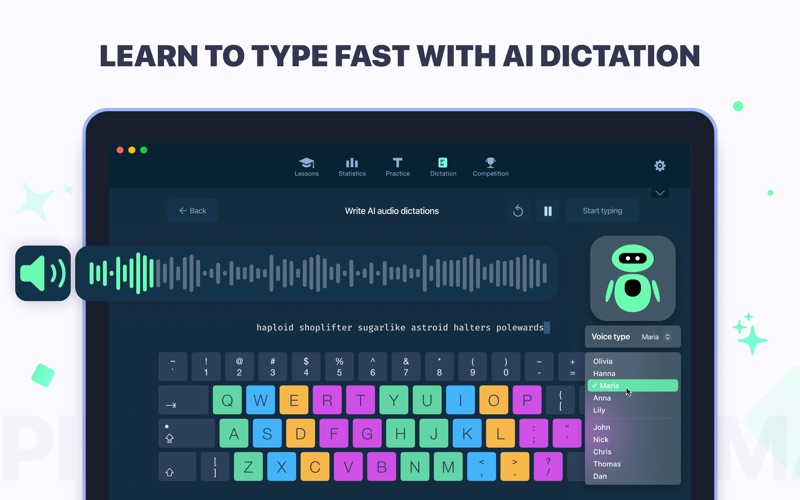
- AI-Powered Dictation: A modern dictation mode allows you to listen to spoken text and type what you hear, reinforcing auditory-to-tactile coordination.
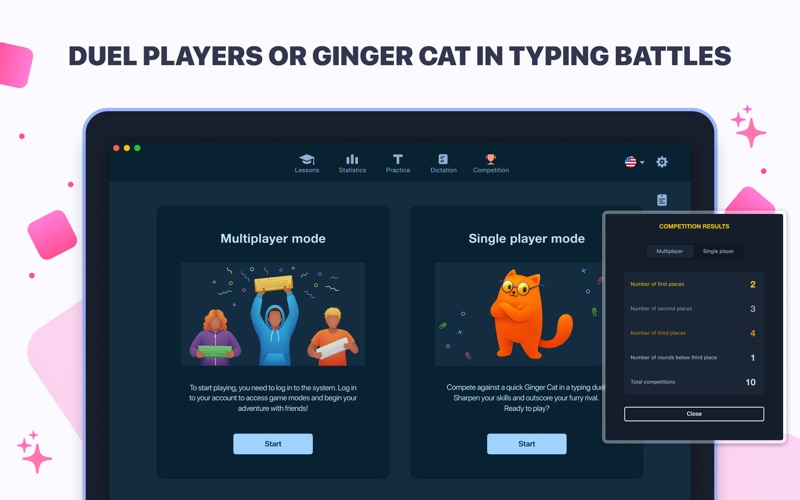
- Gamified Competition Mode: Keep practice interesting by racing against real user metrics or challenging the built-in "Ginger Cat" to a typing duel.
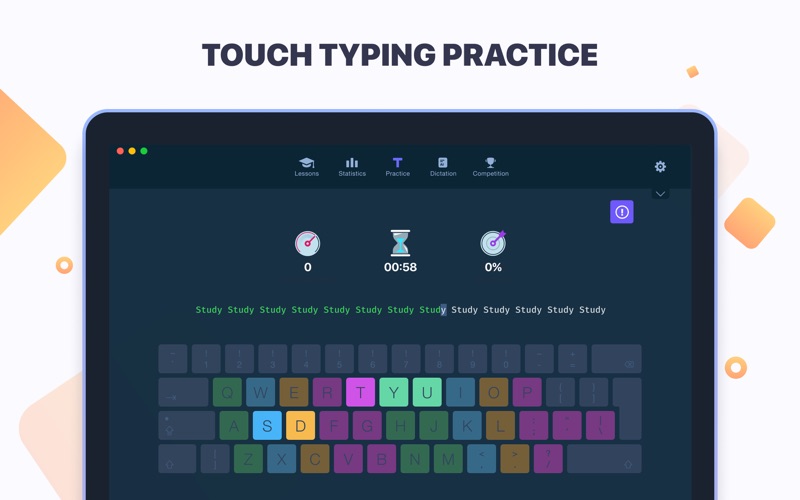
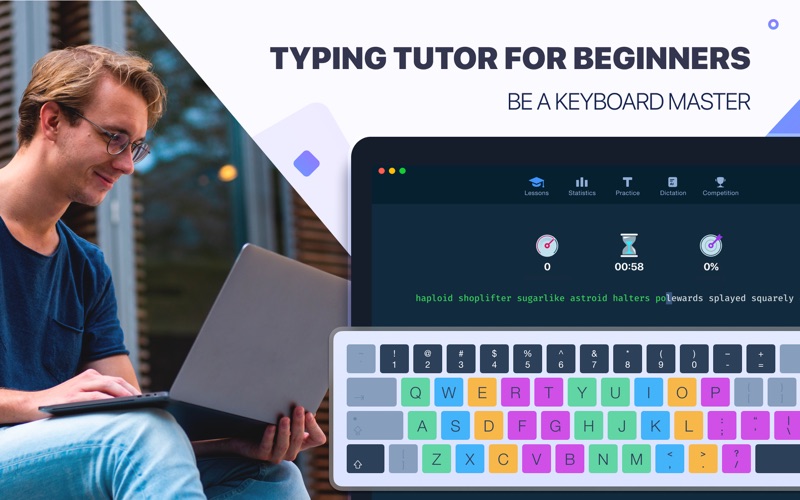
- Visual Keyboard Guide: A color-coded on-screen virtual keyboard guides your finger placement, ensuring you do not need to look down at your physical hands.
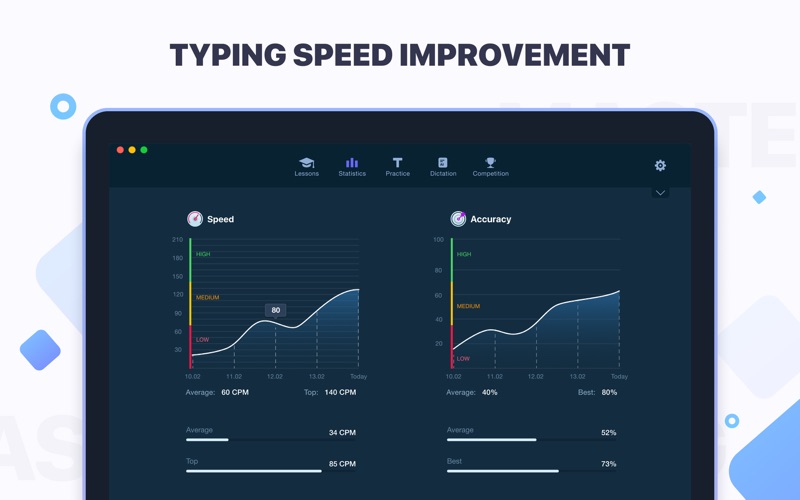
- Smart Analytics: Detailed statistics track your accuracy and speed (both average and personal bests) over time to visualize your improvement.
Who Is This Touch Typing Tutor For?
The Master of Typing: Tutor touch typing software is highly suited for students, writers, and office professionals who spend hours at their computers. If you find yourself constantly looking down at your keyboard, this tool helps reduce cognitive fatigue, minimize switching attention, and increase daily work efficiency. The software offers a free tier with introductory lessons and limited exercises per keyboard row, alongside a subscription option that unlocks unlimited lessons and advanced AI dictation features.
An Editorial Verdict
For Mac users looking to boost their productivity, this app offers a polished, modern, and dark-mode-friendly interface that makes learning to type feel less like a chore. If you are ready to elevate your typing skills, you can check out the official Mac App Store listing for more details and explore the application directly on your device.
Rate the App
User Reviews
Other Apps in This Category







Popular Apps










Editor's Choice